| |||||||||
| |||||||||
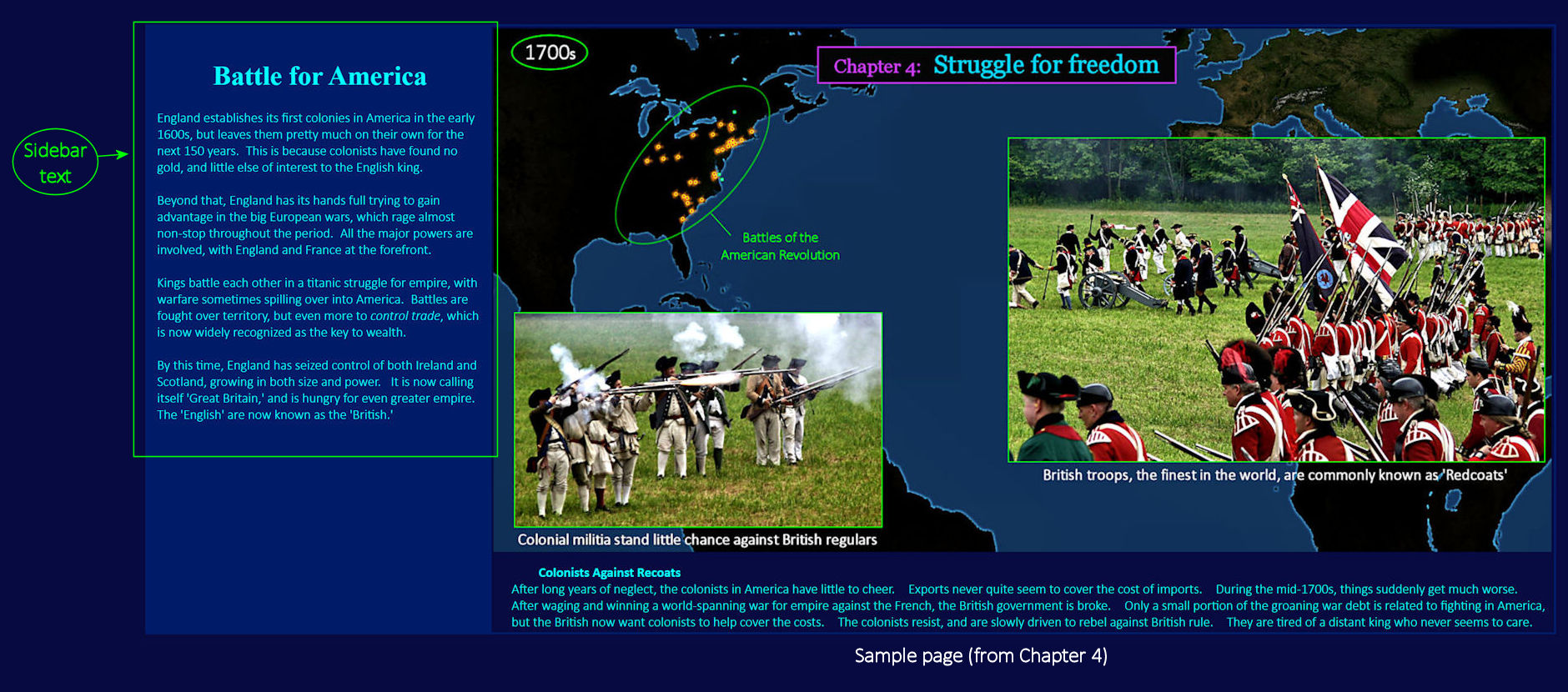
Take your Time This is typical of what greets you, as you begin each new page. The text in the 'sidebar' (at left) provides a bit of context for all the images that follow, as you scroll down the page. Early chapters are shorter than later ones, but you can expect to spend at least an hour with each one, viewing the images at a comfortable, relaxed pace. Even if you are already familiar with the general story, much of the material will likely be new to you, fleshed out digitally-enhanced images to help the story come alive. There's no need to hurry. | |||||||||
| |||||||||
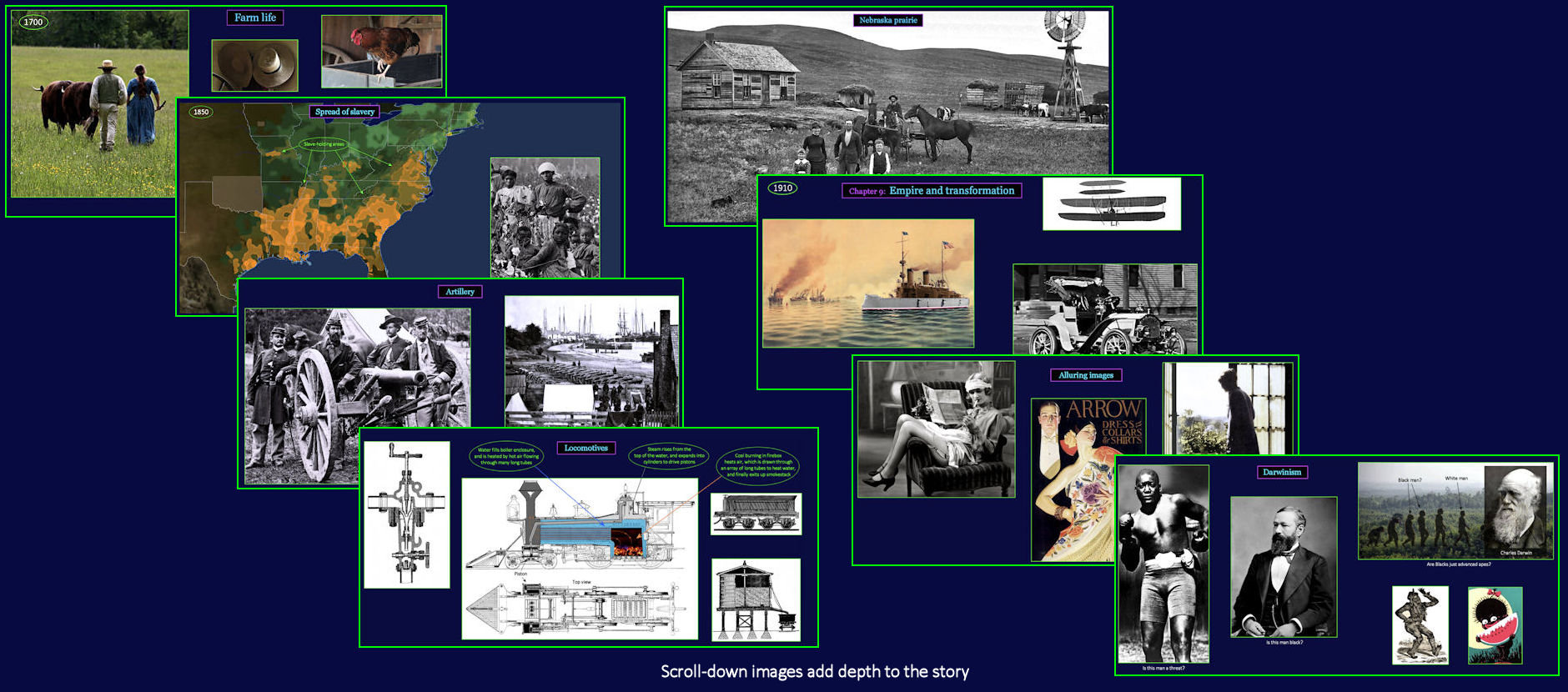
Lots of Extra Detail As you scroll down each page, the images themselves will do most of the story-telling, with a bare minimum of explanatory text. If you encounter sections you would prefer to skim through, you can switch to a more compact presentation whenever you like. Simply click the Switch Version button in the Navigation Bar (as will be explained shortly). The SHORT version leaves out the least important material, which reduces the overall presentation by about half. You can switch back again later, whenever you find the topic at hand of greater interest. | |||||||||