| |||||||||
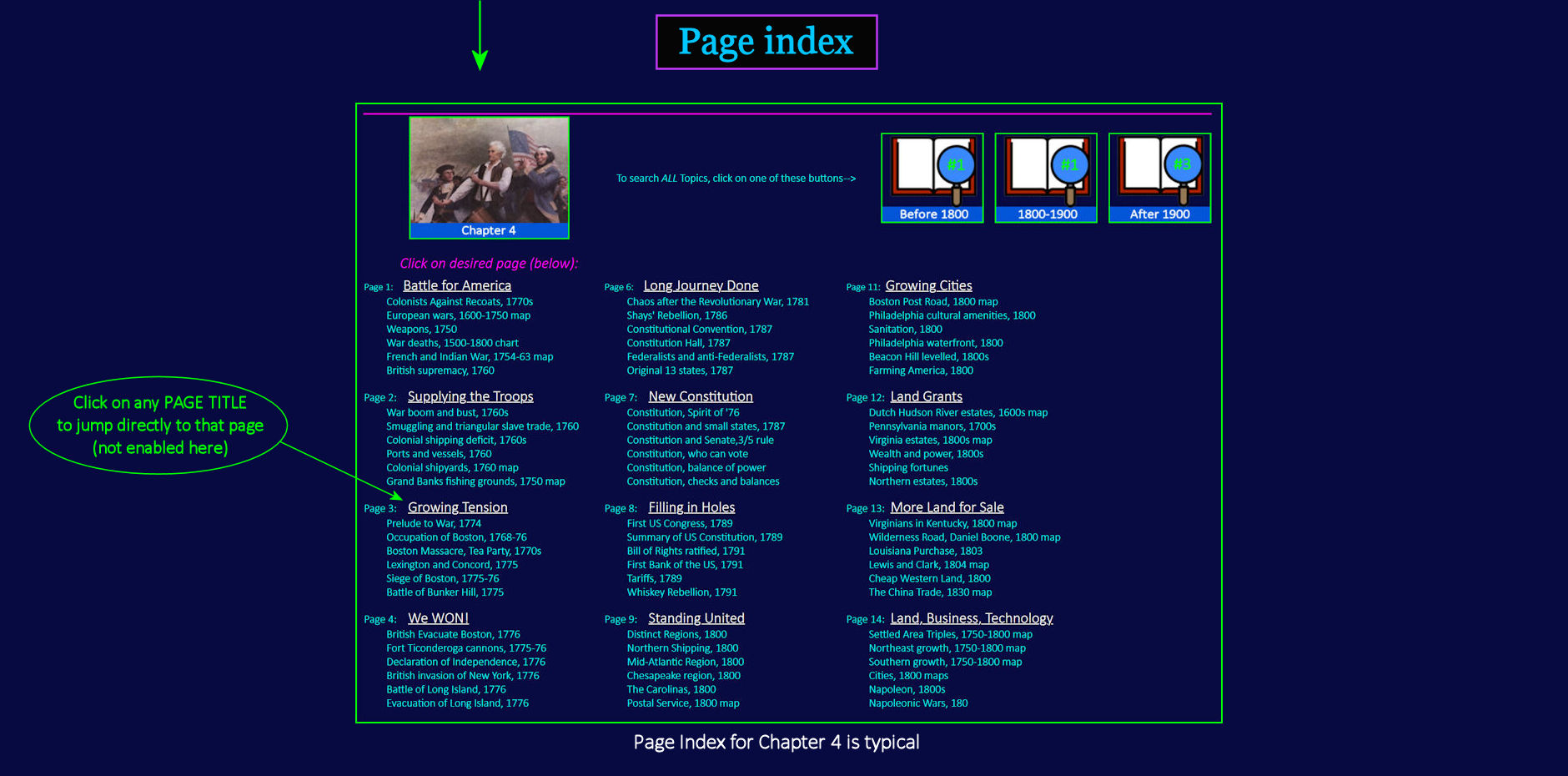
| |||||||||
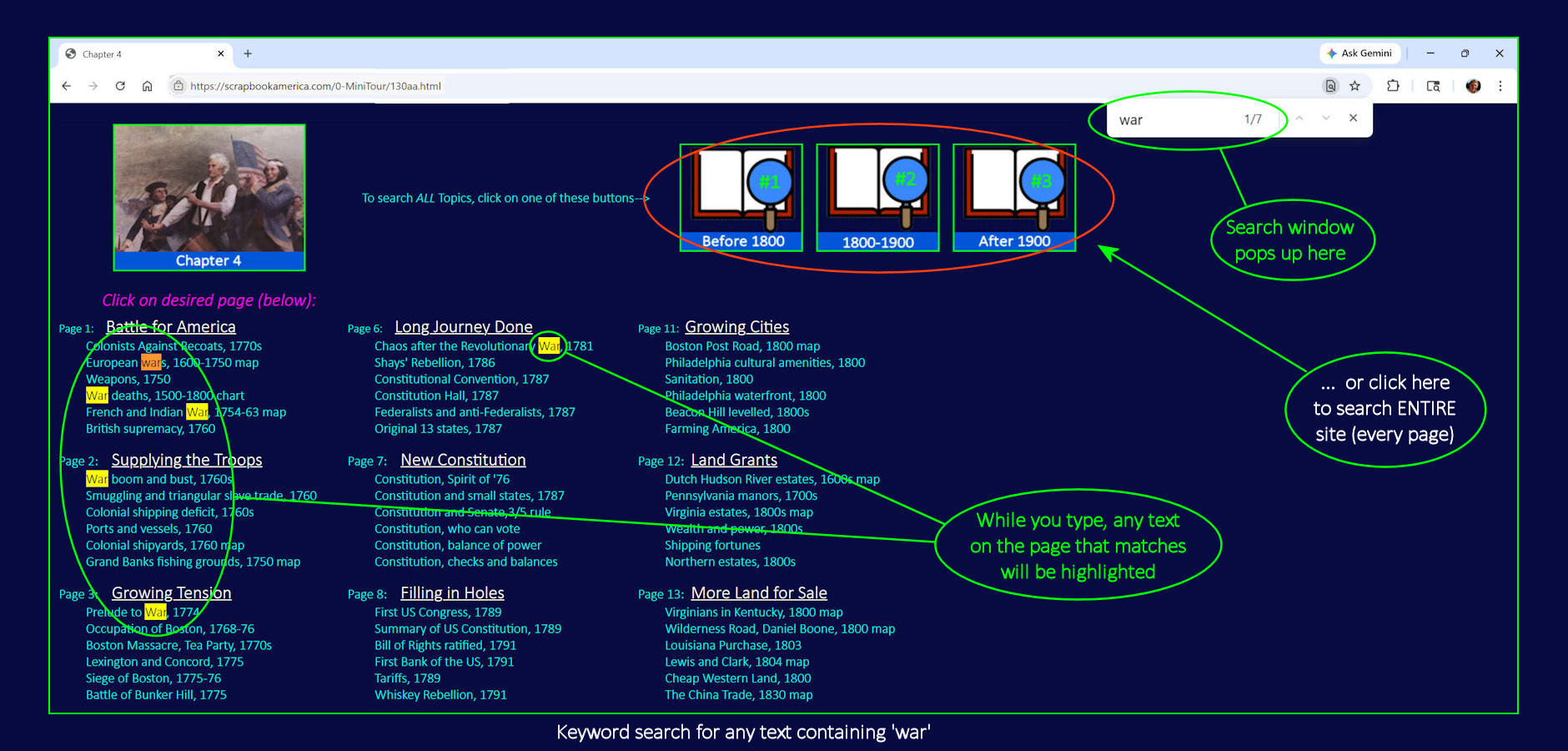
Searching the Text To search the page for a particular word, press [Control + F] on your keyboard (at the same time) to open a pop-up Search Window at top right of screen. (On Apple devices, [Command + F].) To search for any word (for example, 'war), begin typing the word. As you type, and matching text on the screen will be highlighted in YELLOW. | |||||||||
| |||||||||
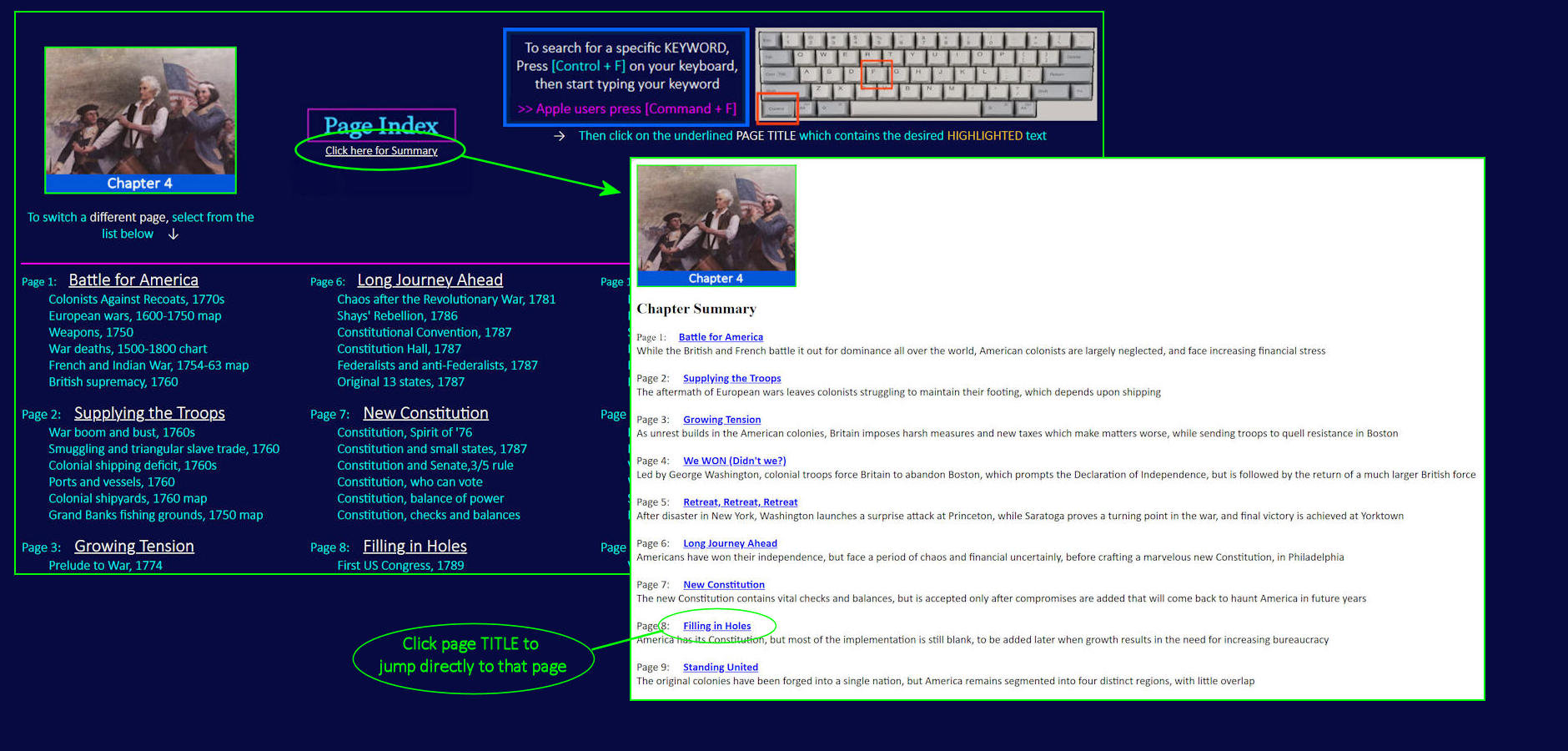
Chapter Summary in List Form Click the button just below the 'Page Index' heading (see above) if you prefer a one-page summary of the ENTIRE CHAPTER, which can be helpful for lesson planning. To jump from the summary to any desired page, click on the underlined link for that page. | |||||||||